You have to use Chrome to sync your ESPN league here:
https://www.footballguys.com/leagues
Step 1
Go to the link above and click "Add":
Step 2
Click "ESPN":
Step 3a
If you already have the Footballguys Chrome extension, just select your league and add it.
You should now be able to access your ESPN league in the new Draft Dominator.
https://www.footballguys.com/draftdominator/
Step 3b
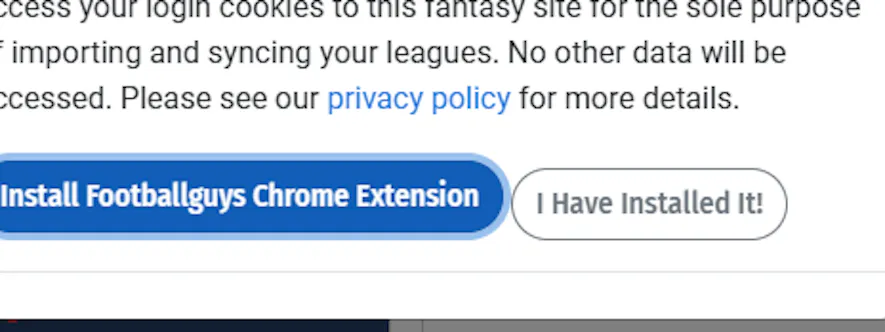
If you don't have the extension, click "Install Footballguys Chrome Extension":
Step 4
That will open a new tab. Click "Add to Chrome":

Step 5
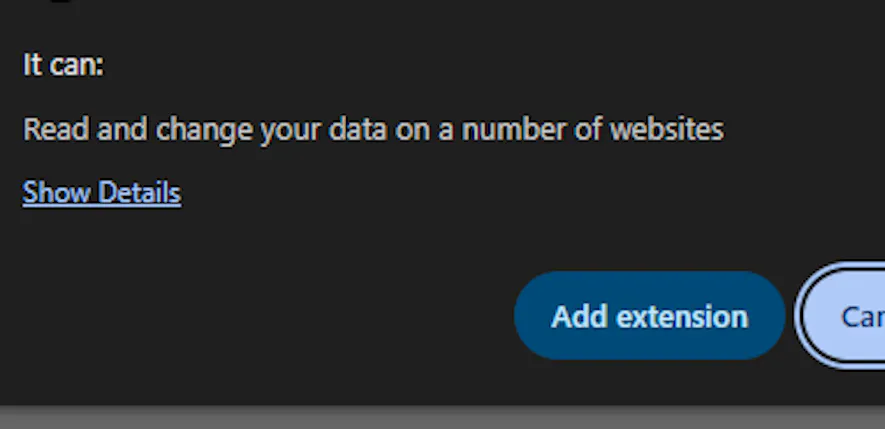
In the pop-up, click "Add extension":
Step 6
Close that tab, then click "I Have Installed It!":
Step 7
This should pop up with your ESPN league already checked (I'm using "My 2026 DD Test League" for an example:

Step 8
Note: If there is an error message, just scroll down to the "Done" button and click it:
You should now be able to access your ESPN league in the new Draft Dominator.
https://www.footballguys.com/draftdominator/