Getting Started
First, make sure you are signed into your Footballguys account. If you do not have a Footballguys account, you can create one here. Once you are logged in, head over to the Draft Dominator.
Editing Teams
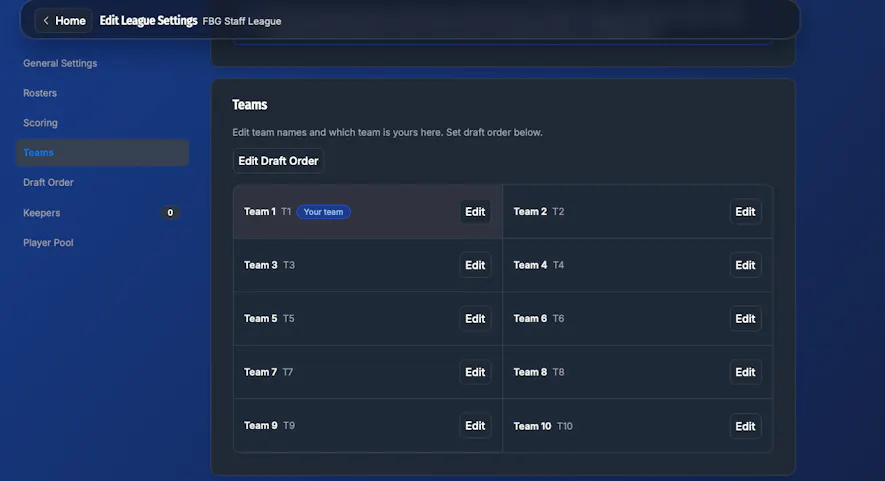
On the Draft Dominator Home page, click on the Settings tab for the league you want to edit. Once you see the league settings, click on the "Teams" tab on the sidebar. From here, click "Edit" on the teams you want to change. Here you can edit their team name and the email associated with their profile.
Editing Draft Order
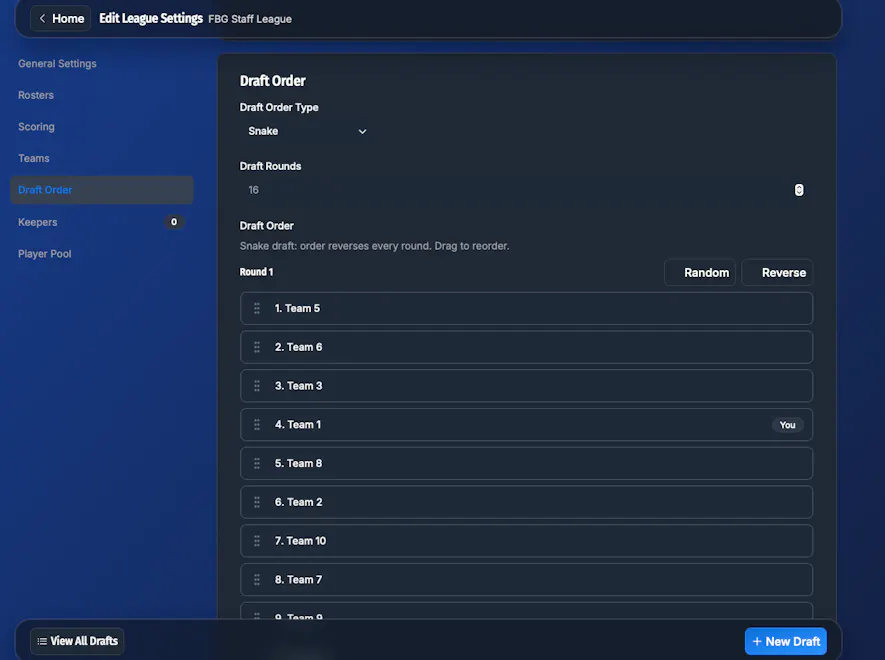
Select "Draft Order" in the sidebar. From here, you can change the draft order type, how many rounds are in the draft, randomize the draft order, and swap around the draft order manually. To manually swap the draft order, drag and drop each team where you want them to draft.
Editing Keepers
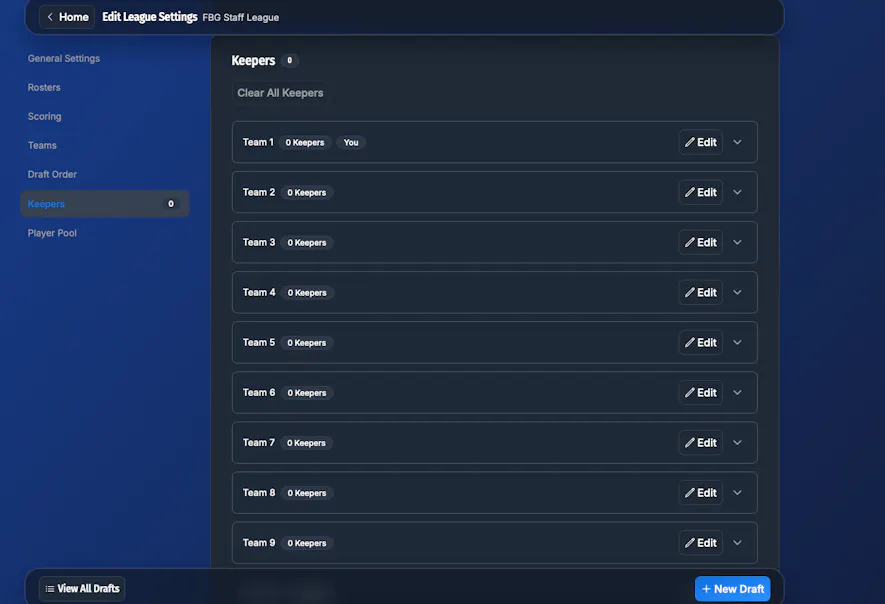
To manually enter keepers, click the "Keepers" tab and from there click "Edit" for the team you want to add keepers to.